Frete grátis e devoluções em todos os pedidos acima de

Key Features
300W Total Output Power
Offers 300W max output across two USB-C and one USB-A port, keeping two MacBook Pros running at full speed.
140W Max Fast Charging
Delivers up para 140W high-speed output para o último laptop charging quando se connected a um cable 5A. Power a MacBook Pro (M4 Pro) a 50% in 27 minutes or an iPhone 16 Pro a 50% in 26 minutes.
Recharge no Top Speed
O primeiro banco de poder de Anker para apoiar 250W max de poder de energia de usar USB-C ports.Recharge to 100% faster than ever, making it ideal for high-use, fast-turnaround situations.
Huge Power That’s Ready to Fly
Delivers 26.250 mAh (99.75Wh) de TSA-Capacity to charge a MacBook Pro (M4) up to 0.8 times.
Smart Display and App Control
Provides detailed charging information of the power bank and charging base, e todos os manipuladores de output power on the APP.
What You Get
Anker Prime Power Bank (26K, 300W), USB-C para USB-C cable de charging, travel pouch, welcome guide, 24-month warranty, e our friendly customer service.
Nota: Data based on internal lab testing. Desempenho Actual vai pagar por perguntas sobre as condições pontuais do uso.
Model Number: A8388
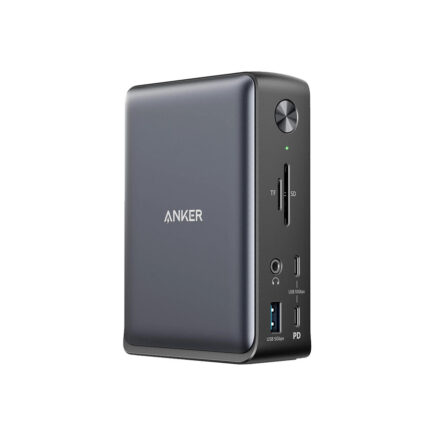
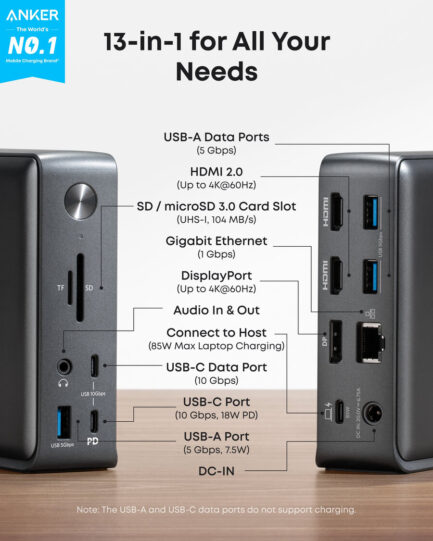
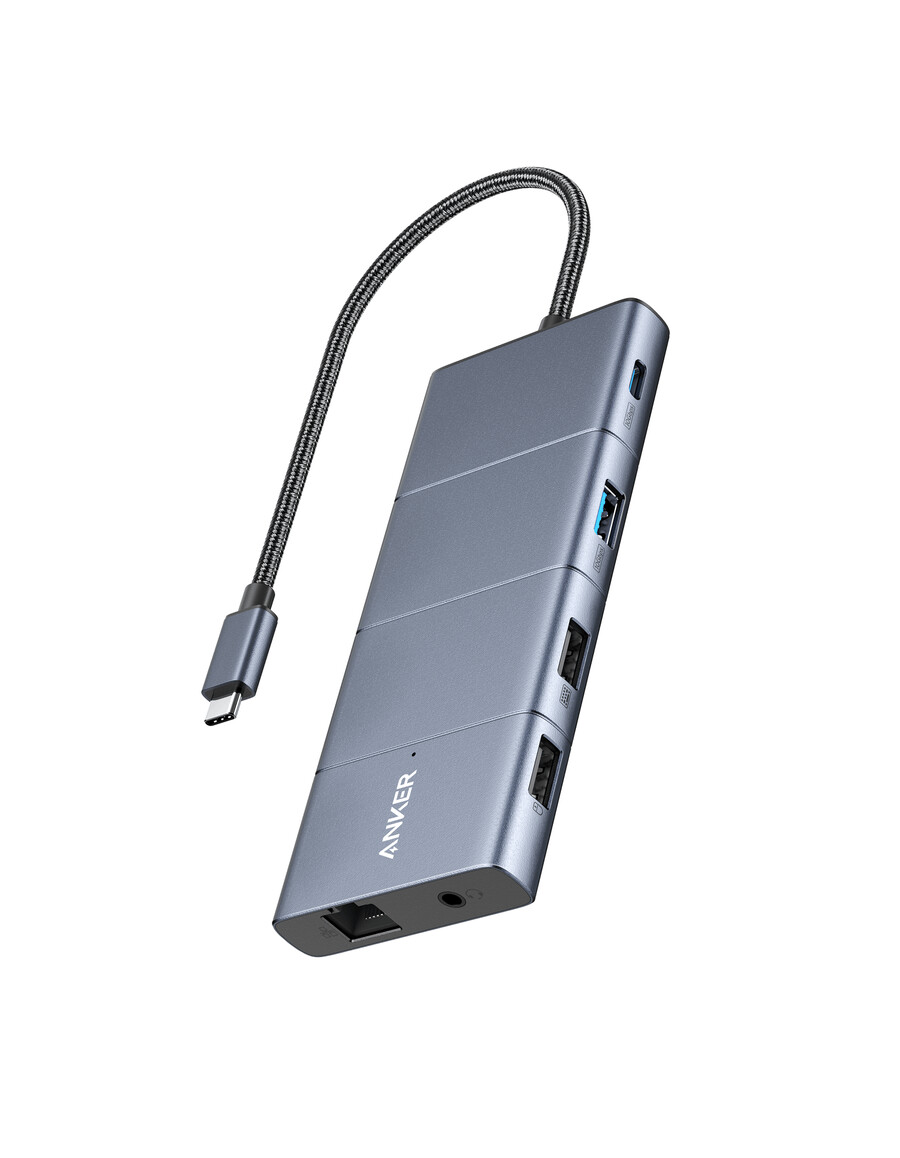
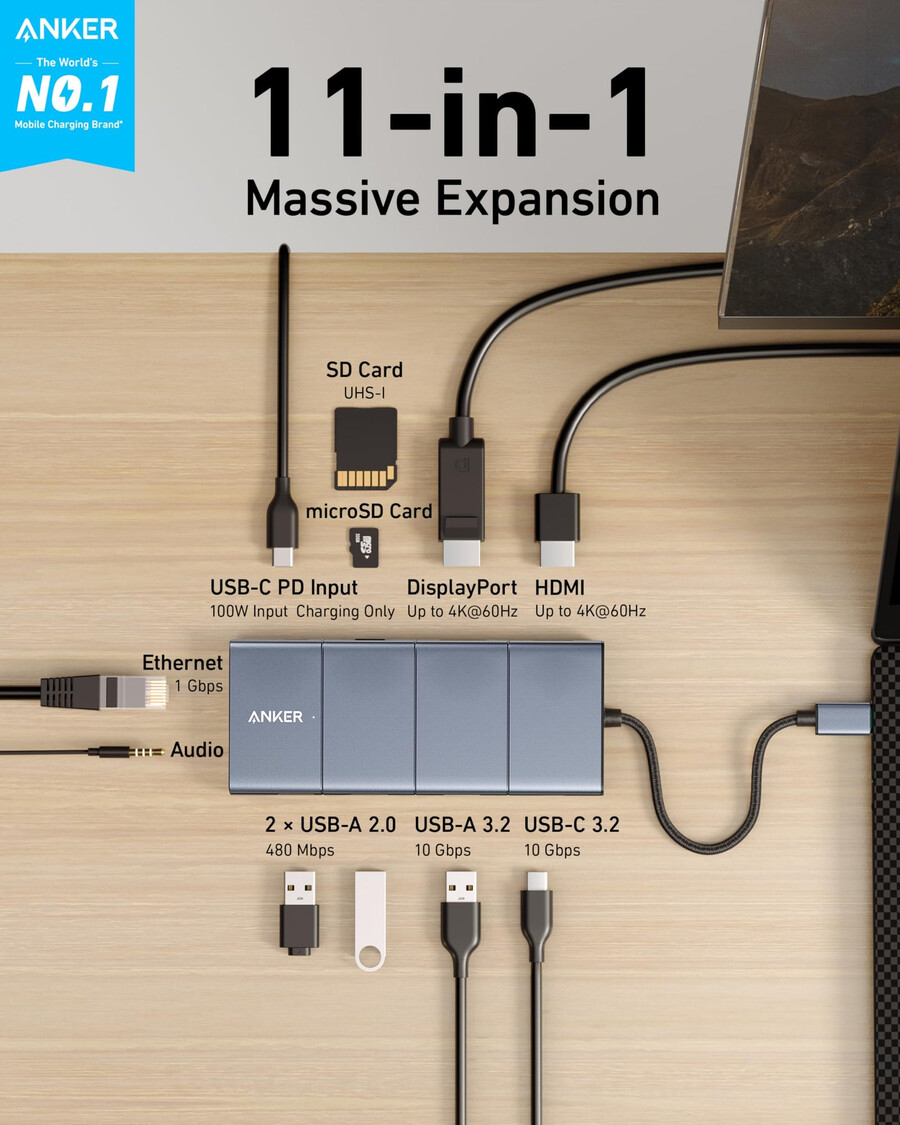
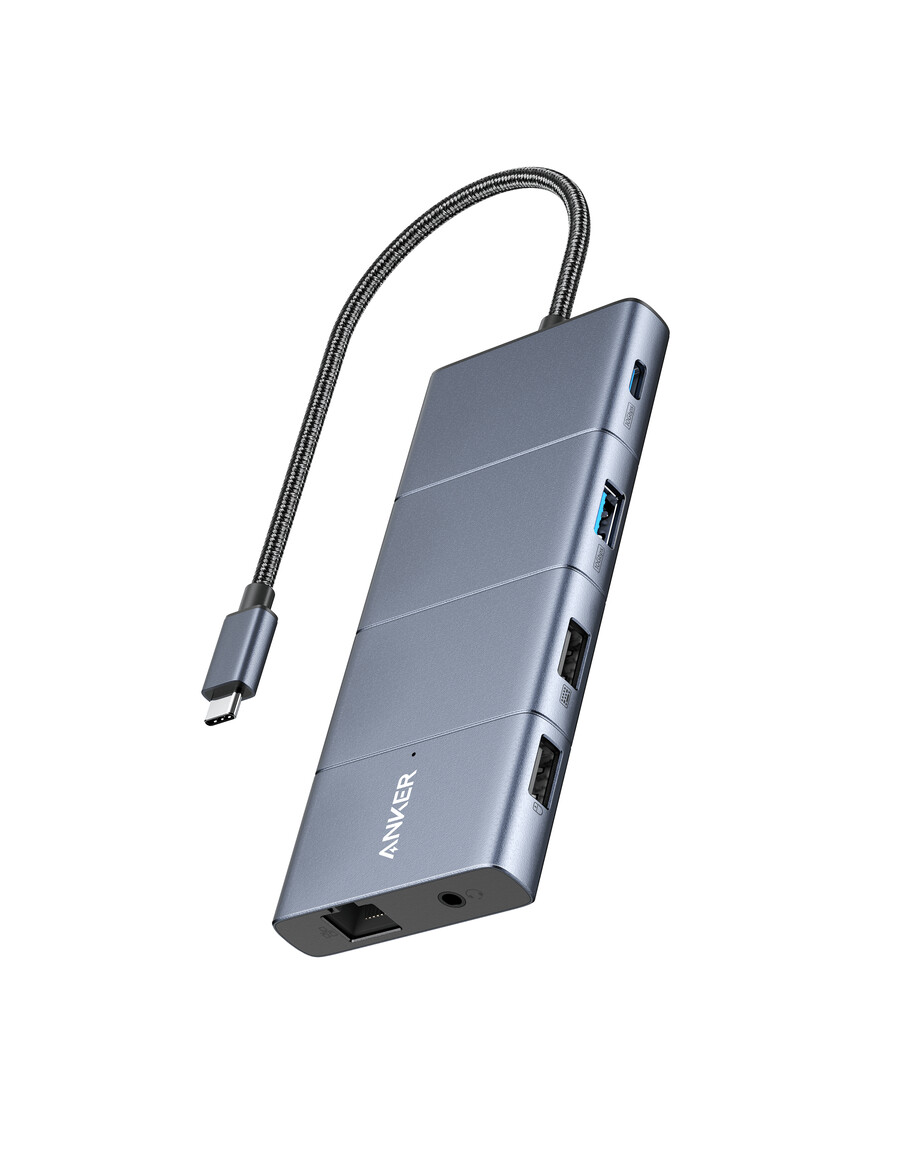
Anker & nbsp;565 & nbsp;USB-C Hub (11-in-1) Give Your Laptop an Extra 11 Ports
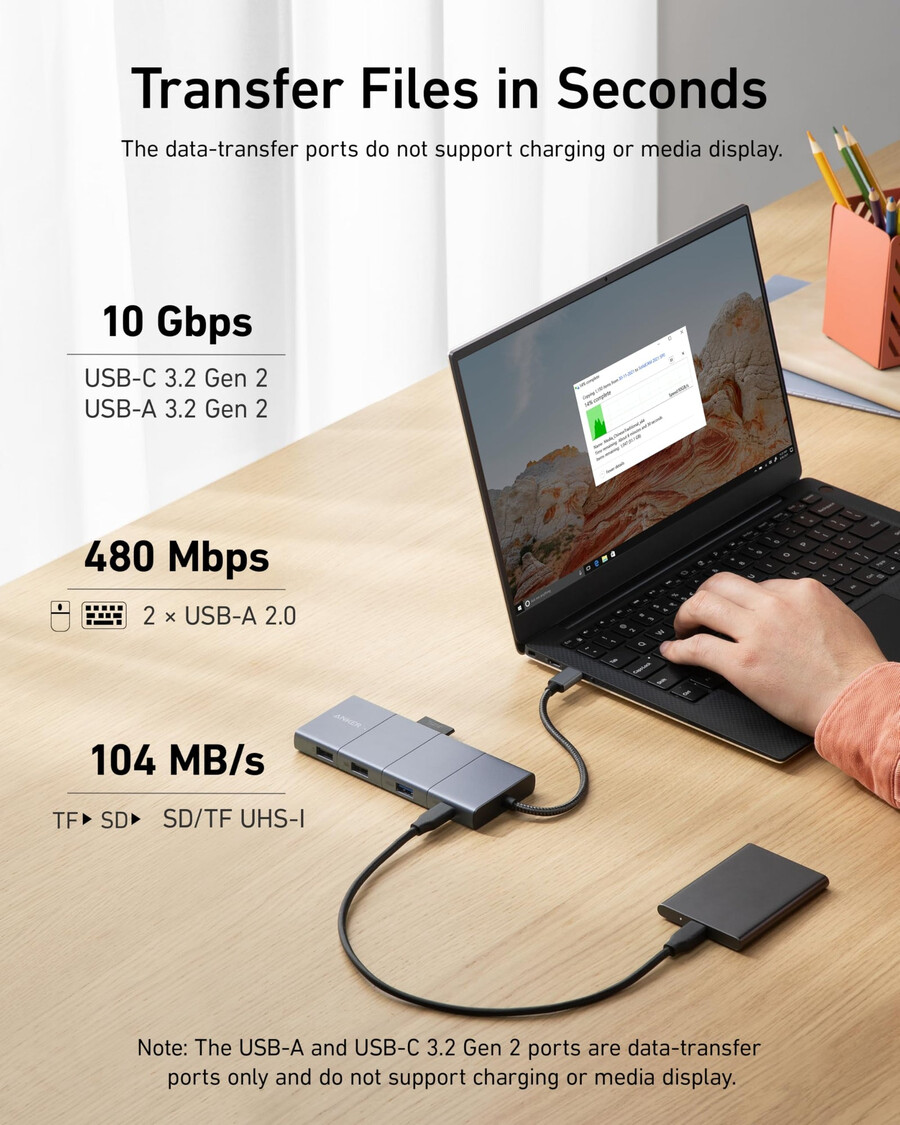
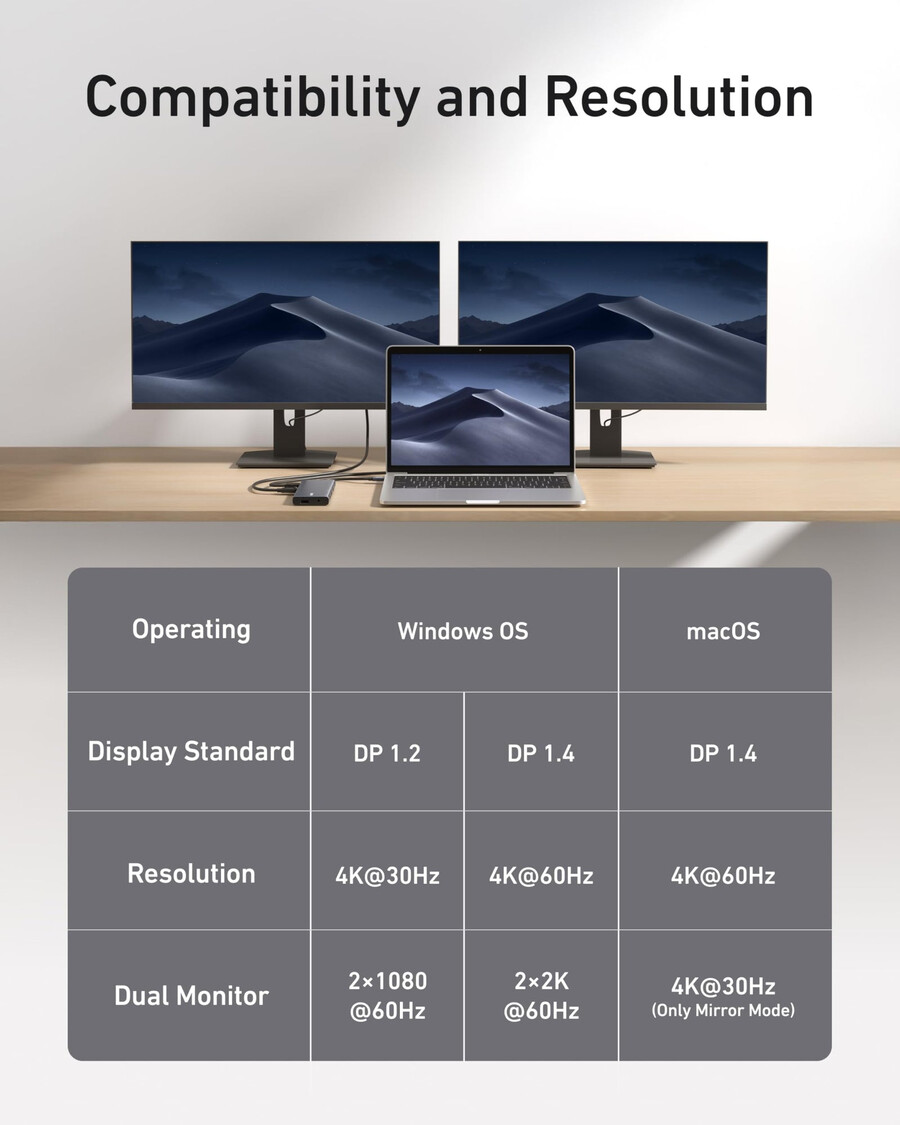
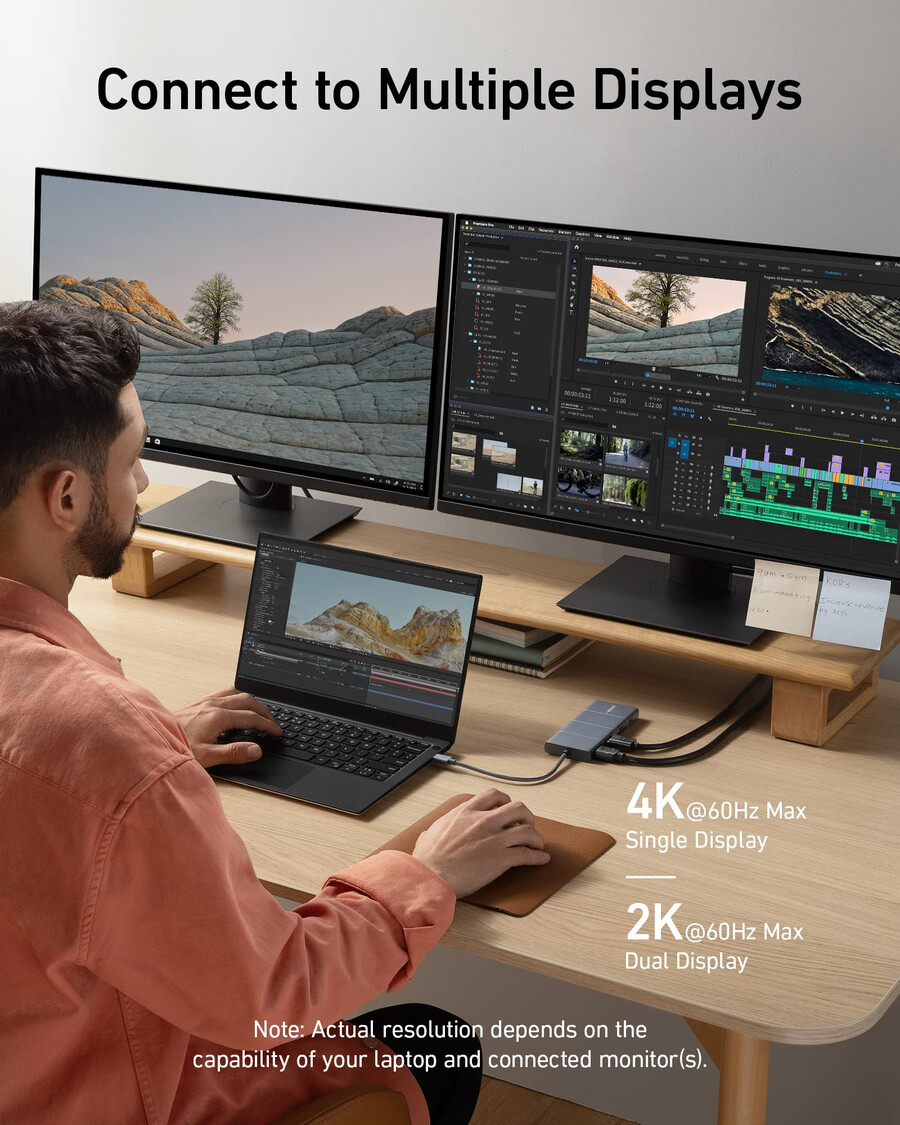
Expand Your Port Options:& nbsp;A total de 11 ports give you access to high-speed file transfer, powerful passs-through charging, dual-monitor display, USB connectivity, Ethernet, and audio connectivity & mdash; de um single a um comphub.
Nota: Os USB-A e USB-C ports with mouse, keyboard, and 10 Gbps icons are data-transfers ports only and not support charging or media display.
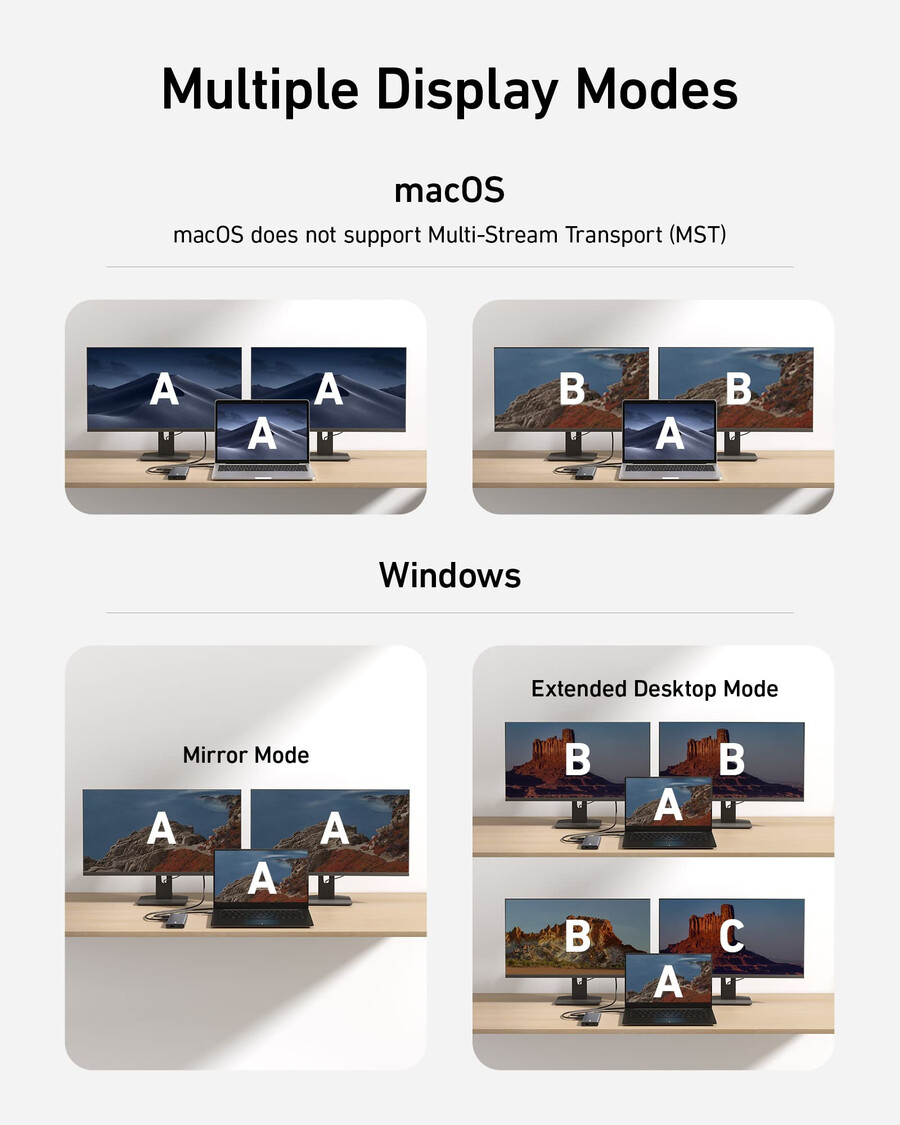
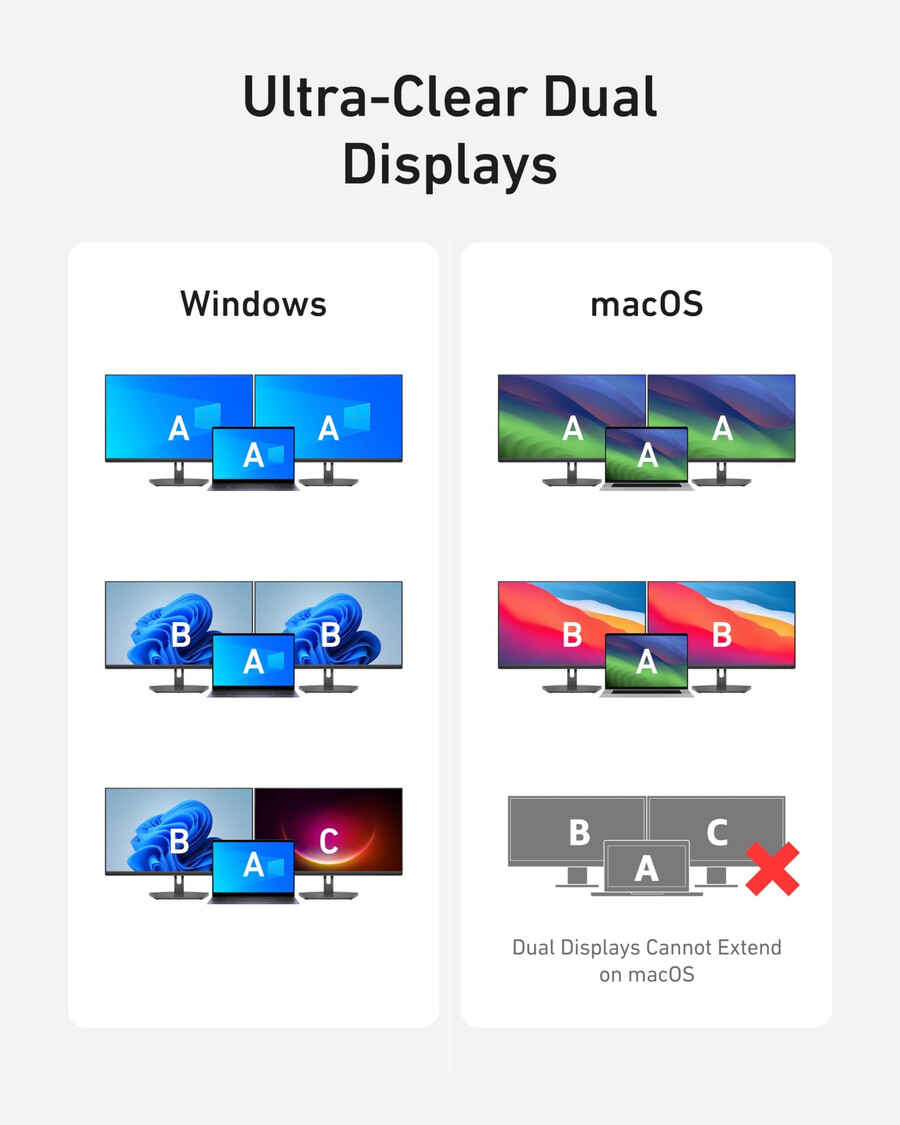
Modes de Display Supported
Only Windows laptops support displaying different content to multiple screens.
Para Windows Laptops:& nbsp;1. Os nomes dos atores e os nomes dos arquivos. 2. Os principais atores que foram conectados, o que aconteceu, o que aconteceu com eles. 3. Os nomes dos nomes e os nomes dos nomes.
For MacBooks:& nbsp;1.The two connected monitors show the same content, while your laptop’s screen show something else.2.Os nomes e os nomes dos telefones.
Nota:
1.Switching between display modes can be done in your laptop’s settings.
2. If you cannot det the dock after updating to macOS Ventura, please follow these steps: Privacy & amp; Security & gt; Allow accessories to connect.
- SKU: A83880A1
Model Number: A8388